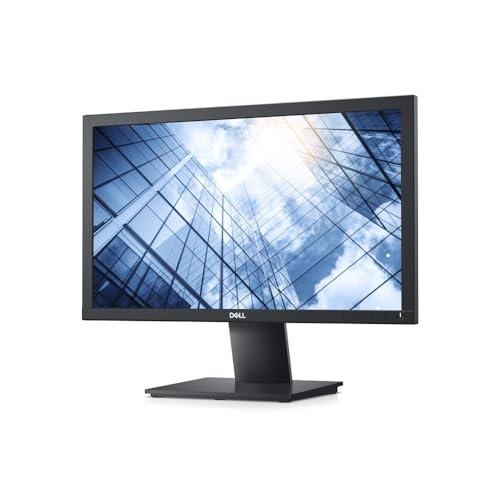
Dell 20″ (50.08 cm) Monitor-E2020H, HD Plus 1600×900@60Hz, Aspect Ratio-16:9, TN-Panel, Brightness-250 cd/m², Response Time: 5 ms (G-to-G), Screen Coating: Anti-Glare, 1 xDisplay Port 1.2, 1 xVGA.
MRP: ₹23669 | Offer Price: ₹5999
Product Details:
- Maximize your workspace: A thin profile and improved cable management create a smaller footprint, lending itself to a clean, uncluttered desk
- Enhanced views: The 1600×900 resolution is ideal for everyday tasks, while ComfortView is ready for extended viewing periods. It reduces up to 60% of harmful blue light emissions.
- Versatile connections: Our monitors accommodate legacy and non-legacy systems with convenient connectivity options like VGA and DP ports. Your workspace will be completely customized to your needs
- Adapts to your needs: Make your workspace your own with VESA-compatible mounts and stands
- Maximize productivity: Easy Arrange tiles apps across screens with pre-set partitions and customizes up to five windows, enhancing multitasking. Easy Arrange Memory saves and restores app profiles manually, on schedule, or at start-up
- Customize your views: Work comfortably, day or night. Automate your brightness and contrast settings to match your schedule
- More manageable: Save time and boost IT efficiency with the Dell Device Management Console to manage your Dell peripheral fleet at-scale, from a single cloud-based console. Discover expanded Command Line Interface features from Dell Display and Peripheral Manager